




Free up space and speed with our PC cleaner

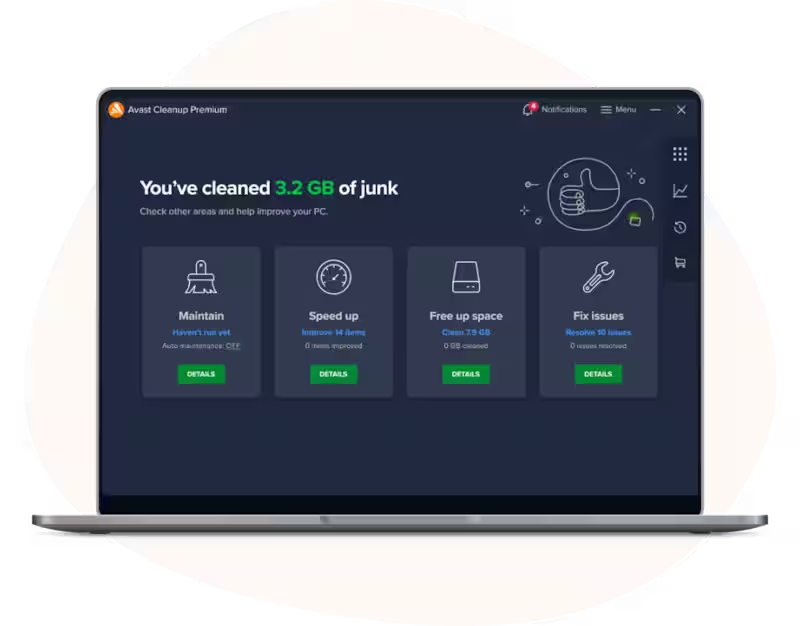
Puts apps to sleep
Removes bloatware and forgotten programs
Defrags and optimizes your hard drive
.png)


Our PC tune-up process detects performance drains and stops them for you, without making you uninstall programs or interfering with your PC.
Time to sleep
Switch on Sleep Mode to freeze any program that’s slowing you down. While asleep, it won’t use up any resources.
Wake up
Launch the program you put to sleep, and let our smart algorithm automatically enable all of its background activity.
…and back to bed
Once you’re done using the program, we automatically put it back to sleep to stop it from slowing you down.
.png)
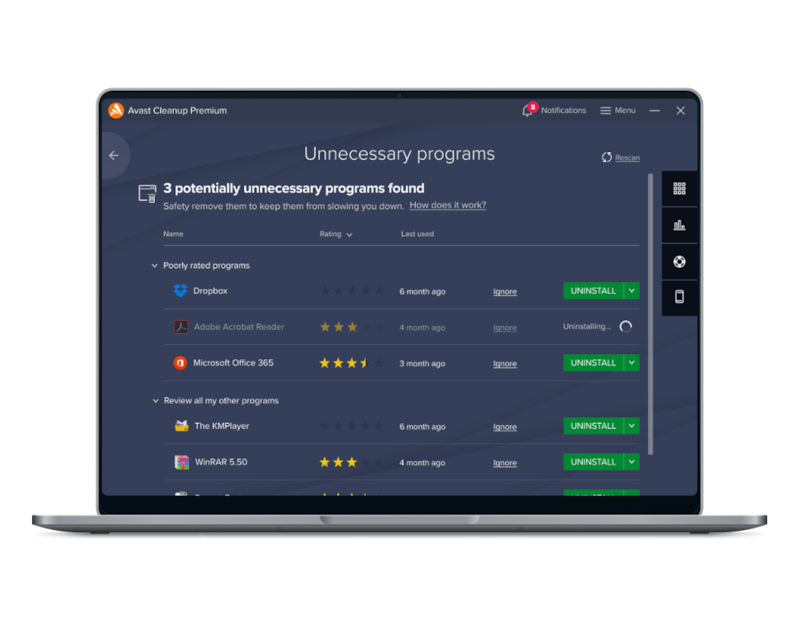
Identifies bloatware and long-forgotten programs
Your PC could be slowed down by programs you haven’t used in ages or never wanted in the first place — trial versions, unwanted toolbars, or preinstalled software. These are a waste of space and speed, and may even be a security risk. Our new Software Cleanup feature gets rid of them once and for all.
Clean it all up
Take the guesswork out of figuring out which programs you no longer need with our cloud-based reputation and unneeded-program detection systems. If you’re afraid to uninstall, we can temporarily put files in quarantine until you decide.
.png)
The ultimate boost for your HDD
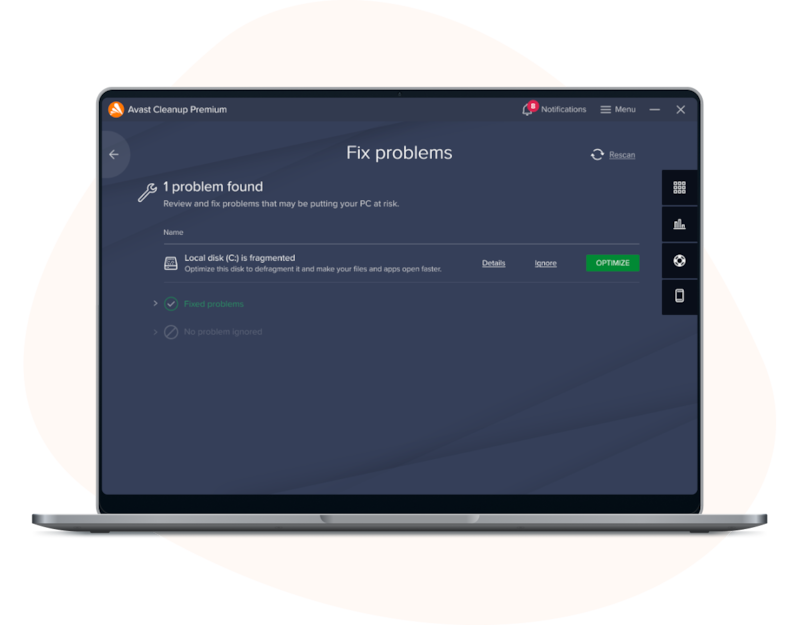
Defragmenting is a key factor in PC performance: It’s the process of re-arranging files on a hard disk for faster access. You’ll enjoy faster startup times, less loading, and snappier performance overall.
Cares for your SSD
Newer PCs come with ultrafast flash-based storage (Solid State Drives, SSDs) that don’t need to be defragged. Our Defrag detects SSDs and prolongs their health.
.png)
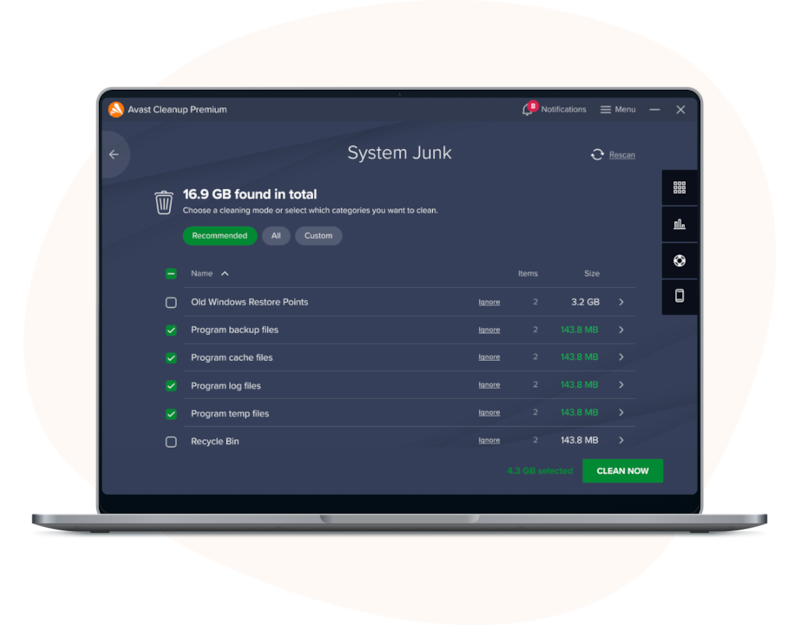
Running out of disk space? Not anymore. Avast Cleanup scans your PC from top to bottom to remove gigabytes worth of leftover junk files from more than 200 apps, browsers, and even Windows.
Cleans up your browser
Nukes unwanted plugins and toolbars
Frees up space
.png)
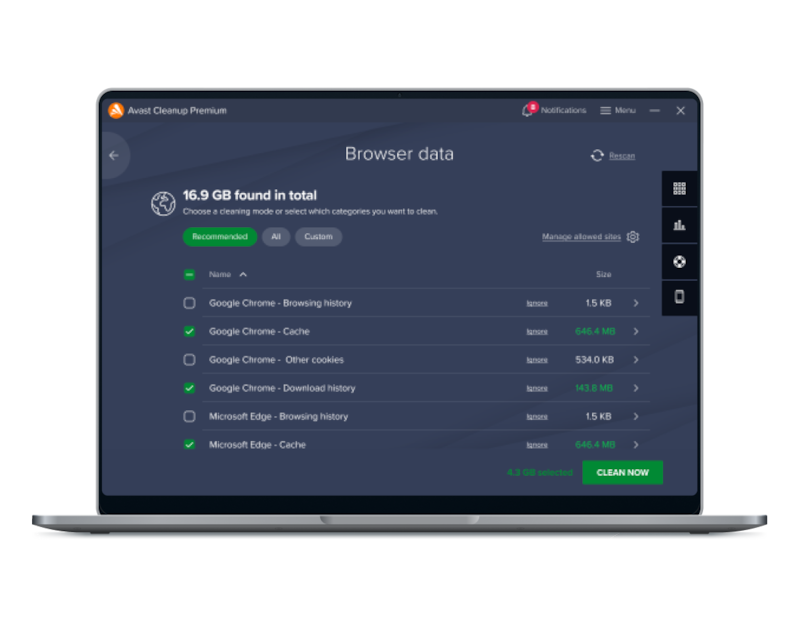
Clean up online traces and temporary data from over 25 browsers, including Internet Explorer, Chrome, and Firefox. Get rid of leftover data that browsers can’t delete by themselves, such as Adobe Flash cookies, and optimize the browser database to troubleshoot and speed up your browser.
.png)
.png)
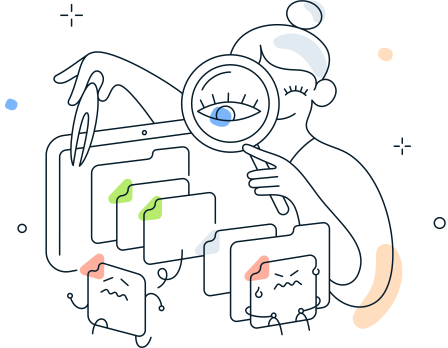
Run a deep scan for application leftovers that take up valuable storage space.


Automatic maintenance
Cleans registries
Cleans browsers
Fixes hard drive errors
.png)


File system errors
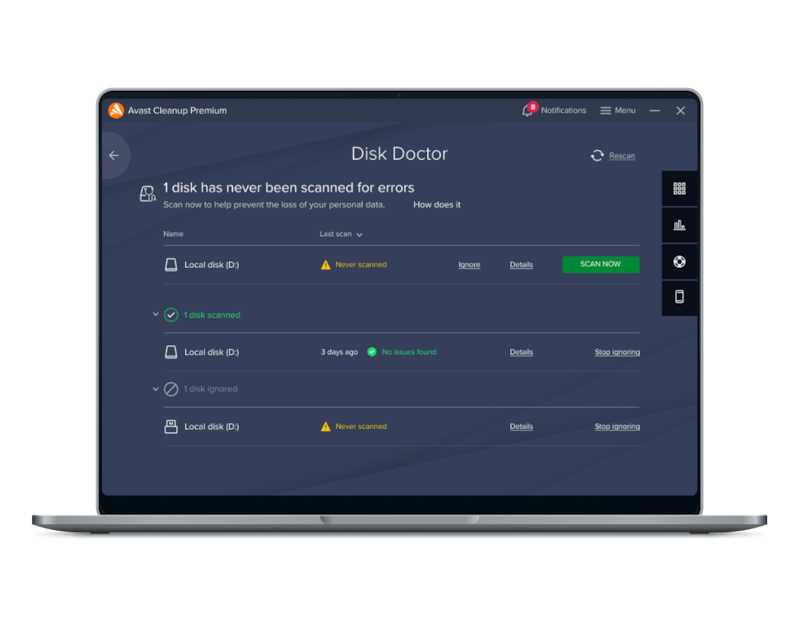
Your hard disk is structured like a book: An index pointing to chapters and pages. If this index is broken, your PC suddenly can’t find files or folders anymore. This can lead to missing files, applications no longer working or even Windows crashing. Our Disk Doctor checks for such structural errors and fixes them in no time.
Data integrity
Files on your disk can become corrupt for various reasons, such as sudden power losses. Our Disk Doctor detects such errors and helps to fix them.
Access rights
If you’re getting “You don’t have the privileges to access this file” (or similar) messages, then the access rights of files and folders got messed up. This can happen after an update, the installation of an application or even after a virus attack. Disk Doctor checks for such errors and tries to cure them.
.png)
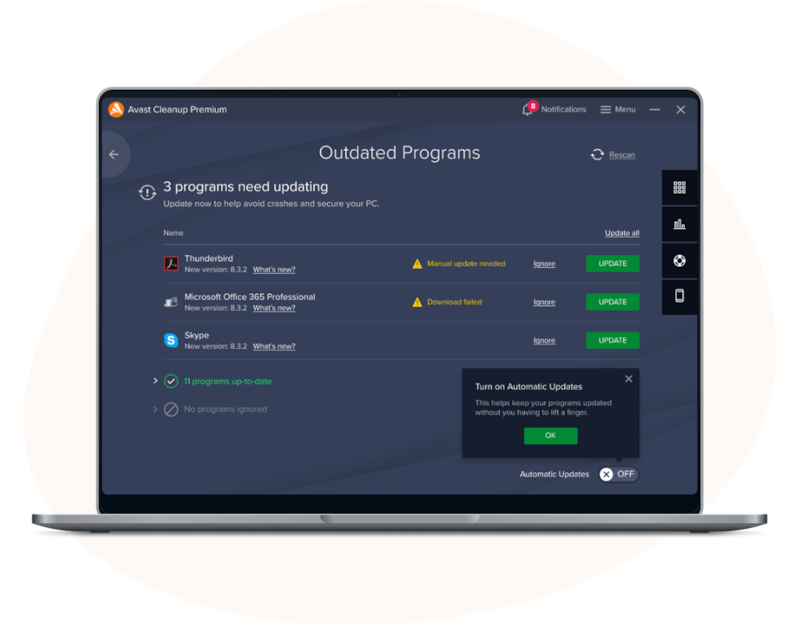
Prevents security risks
Fixes bugs
Provides the latest features
.png)
Enjoy our complete PC cleaner and optimizer


Removes leftover browsing traces and cookies from 20+ browsers, including Avast Secure Browser, MS Edge, Opera, and Yandex.


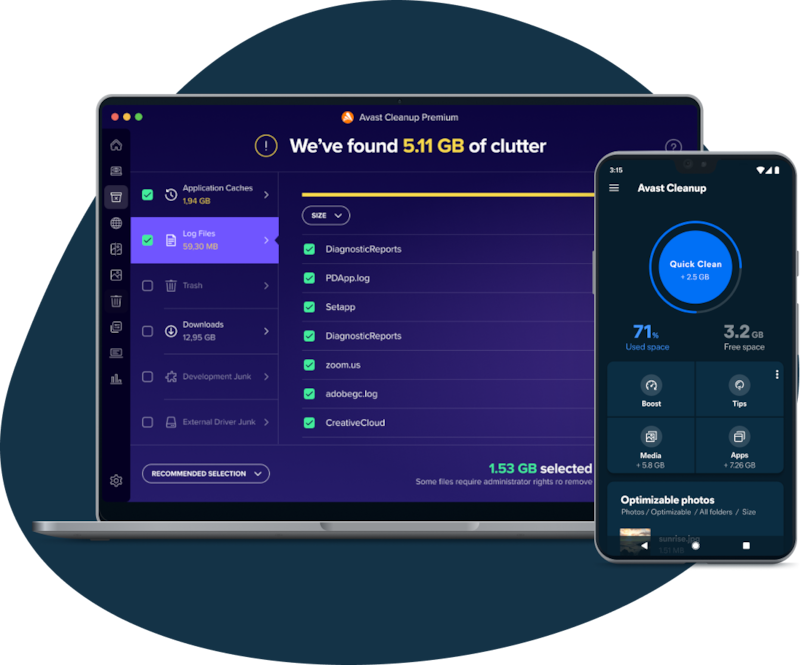
Let’s talk numbers


.png)
You might also be interested in…

Enjoy true online privacy — encrypt your connection with the click of a button.

Get complete antivirus protection, shop and bank safely online, and avoid ransomware.
Free

Enjoy safer, faster browsing, block ads, and strengthen your online privacy.